Shell commands
Type a shell command the way you'd type it in a terminal, and it runs in the tab's shell:
ls -la
git status
npm test
Output streams into the transcript line by line as it's produced, with ANSI colors and styling intact — a test suite's colored pass/fail summary looks the way it should. file.ts:42-style paths in the output are clickable and open the file in an editor tab at that line.
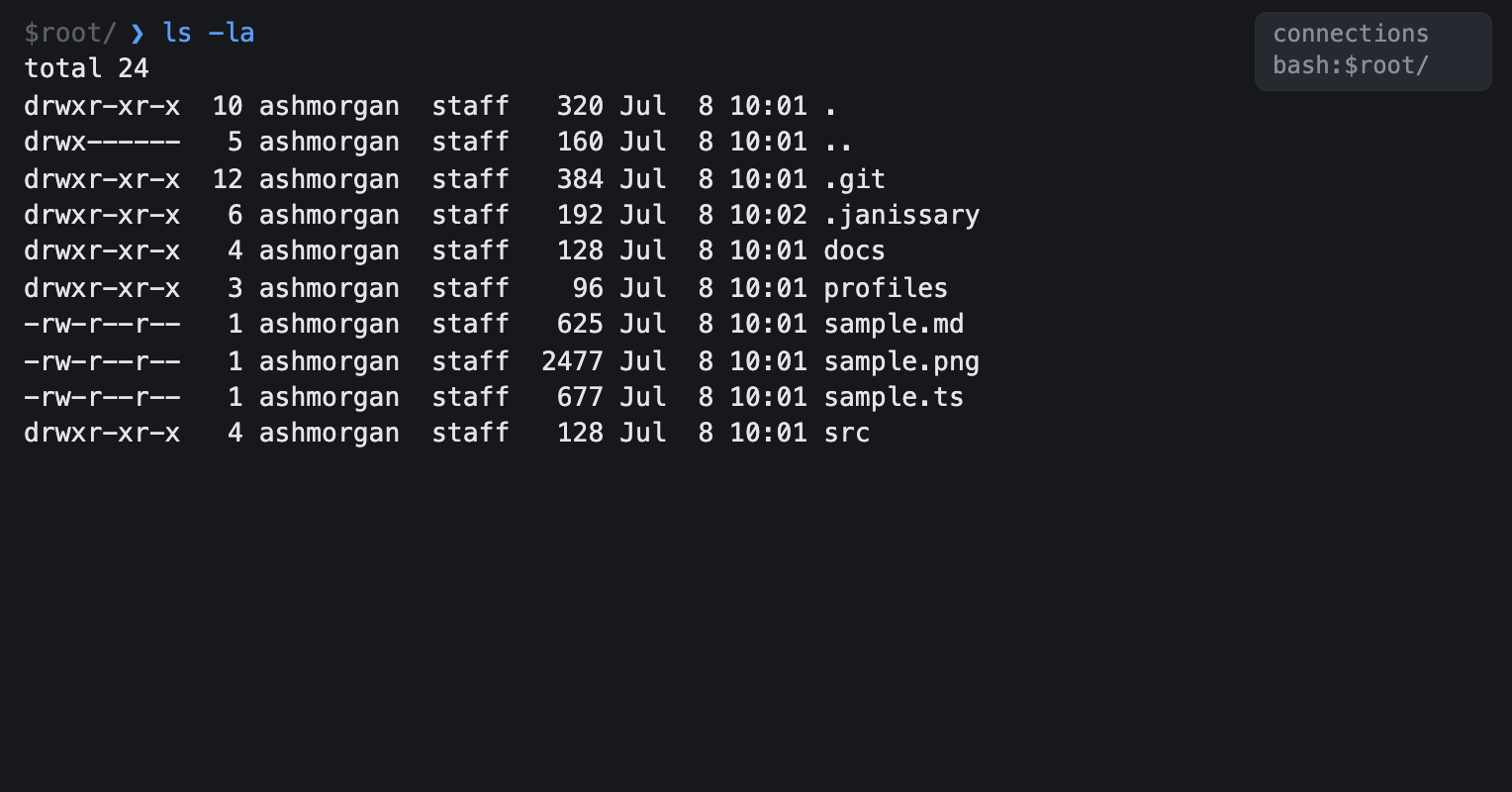
Plain commands like these are recognized as shell input automatically. When a line could be read more than one way — a shell command, a SQL query, a prompt for the agent — the app asks instead of guessing, floating a chooser above the command bar; pick a route with ↑/↓ and Return, or Escape to cancel. To skip recognition entirely, prefix the line with shell :
shell find . -name "*.ts"The prefix is the deterministic escape hatch — whatever follows it goes straight to the shell.
The chooser always lists shell and acp (agent prompt). It also lists one db query → <name> option for each database connection open in the current tab. It does not offer a database route when that tab has no open database. A confident SQL guess runs immediately when exactly one database is open. With zero or several open databases, the guess opens the chooser instead so you can pick the target. You can also bypass recognition with the db or acp prefix.
The chooser is modal, so the command bar is disabled until you choose or cancel. Use ↑ and ↓, press Return, or click a row. acp (agent prompt) is highlighted when the chooser opens.
See Databases for database routing and ACP agents for agent-prompt routing.
One shell per tab, and it persists

Each tab has its own shell process that lives as long as the tab does. State accumulates the way it would in a terminal: cd somewhere and later commands in that tab run there; exported variables stick around. The working directory is also remembered per agent, so after janus --relaunch a restored tab's shell starts where it left off. If the shell process dies unexpectedly, a fresh one is spawned on your next command.
Closing a tab kills its shell; quitting the app kills them all.
Your startup files don't run

A tab's shell is your login shell, started with its startup files skipped. Your .bashrc, .zshrc, and .profile are not read, so the aliases, functions, prompt, and PATH edits you keep in them are not there. That's deliberate: an interactive startup file prints banners and sets traps, and all of it would land in the middle of the output the app captures.
What you do get is the environment janus itself was launched with. Export something in the terminal before you start the app and every tab shell sees it.
If you need one of your aliases, the ways to get it are to run it through your shell yourself, to source the file first, or to open an interactive shell in the tab:
zsh -ic "myalias"
source ~/.zshrc && myalias
shell --pty
Interactive programs are the exception to all of this. They run through a login shell, so anything on the tab's own terminal, including a bare shell --pty, sees your startup files as usual.
Only bash and zsh are given the flags to skip startup files. Any other login shell reads its own, since refusing to launch on a flag it doesn't recognize would be worse.
Interactive programs take over the tab

Full-screen and interactive programs — htop, vim, less, man, python and other REPLs — can't run through the ordinary transcript. When you run one, the tab switches into a full-tab terminal: the transcript and command bar disappear and the program gets the whole tab, with every keystroke — including Ctrl+C, Ctrl+D, and Ctrl+Z — forwarded to it. Only Shift+←/Shift+→ still switch tabs, and you can keep several tabs' interactive programs running at once; each keeps its screen state while you're elsewhere.
Shift+Enter inserts a line continuation rather than submitting, which matters for programs (AI harnesses in particular) that accept multi-line input.
When the program exits, the transcript comes back exactly as it was — nothing about the takeover is logged.
To force a command into a full-tab PTY that isn't auto-detected, add --pty right after shell:
shell --pty ./some-interactive-script.shA bare shell --pty, with no command after it, opens your login shell directly in the tab — a plain interactive shell prompt.
Programs that aren't on the list
The names above are a fixed list, and it can't cover everything — your own TUI, or a program under a name Janissary doesn't know, isn't on it. Those still work, because commands run with a real terminal attached: when a program takes over the screen, the tab switches into a full-tab terminal mid-command and the screen it had already drawn is carried over intact. When the command finishes you're back in the transcript, and its entry reads (ran in terminal).
Janissary remembers what it caught. The next time you run that program it opens a terminal straight away, with no transcript entry and no pause — so a program costs you one detection, ever. What's remembered lives in .janissary/interactive-commands.json, a plain list you can edit: delete a line to forget a program, or delete the file to start fresh. git log is remembered as git log, not as git, so git status keeps behaving normally.
Some programs need a terminal without ever saying so — a sudo password prompt, a read, a bare REPL. Those just sit there waiting. Click open in terminal on the running line, or press Ctrl+O, and the command moves into a terminal where you can type. It ends like any other: when the command finishes, the terminal closes, the transcript comes back with its entry reading (ran in terminal), and the agent is free for your next command. Doing it by hand is a one-off and isn't remembered.
A real terminal also means commands behave the way they do in one: output comes back in color, and git log or git diff open a pager instead of printing everything at once.
If you'd rather have none of this, set interactiveShellDetection to false in .janissary/config.json. Commands then run through plain pipes and only the built-in list of interactive programs applies — though anything already remembered still opens a terminal.