Markdown preview

open <file>.md renders a Markdown file in its own tab:
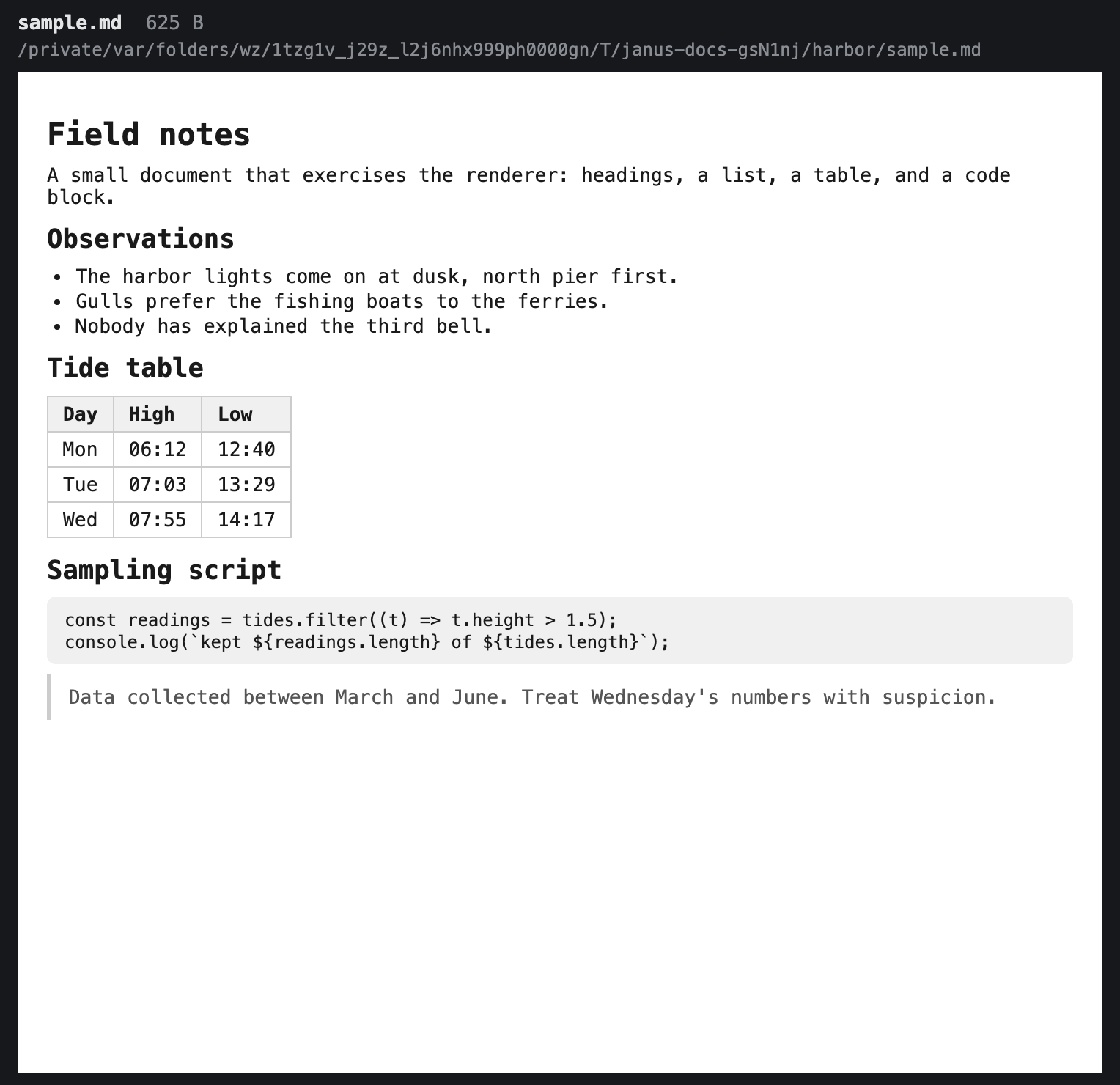
open README.mdThe file is rendered as a document page — white background, dark text — with GitHub-flavored Markdown support: headings, lists, tables, task lists, fenced code blocks, blockquotes, and links. A header shows the file's name, size, and location. In the strip the tab is named after the file and carries a × close button. Both .md and .markdown files are recognized, and a wildcard like open docs/*.md opens each match in its own tab. Opening a file you already have a preview of focuses that tab instead of opening a second one (see Opening files and pages).
Scrolling
The rendered page scrolls vertically, with a visible scrollbar — there's no zoom or panning:
| Control | Action |
|---|---|
↑ / ↓ | Scroll by a line |
PageUp / PageDown | Scroll by roughly a page |
| Mouse wheel | Scroll |
What to expect

The view is a snapshot of the file as it was when you opened it — edits on disk aren't picked up until you open it again. If the file disappears or cannot be read while the view is loading, the tab shows Failed to load <name> instead of an empty document or server error page. Relative links to other local files (an image referenced as ./diagram.png, say) aren't resolved; only the Markdown text itself renders. Active markup in the file is stripped before rendering, and a file that fails to parse falls back to plain text.
Like the other view tabs, a markdown tab is a live view: it isn't restored by janus --relaunch, and closing it (× button or close) just removes the view. To open the file in the OS default viewer instead, use open external <file>.md. To edit a Markdown file, use edit — see Editor.