Databases

The db command creates, queries, lists, and deletes SQLite databases that persist across sessions, so a tab (or its agent) can store and query structured data without any external service:
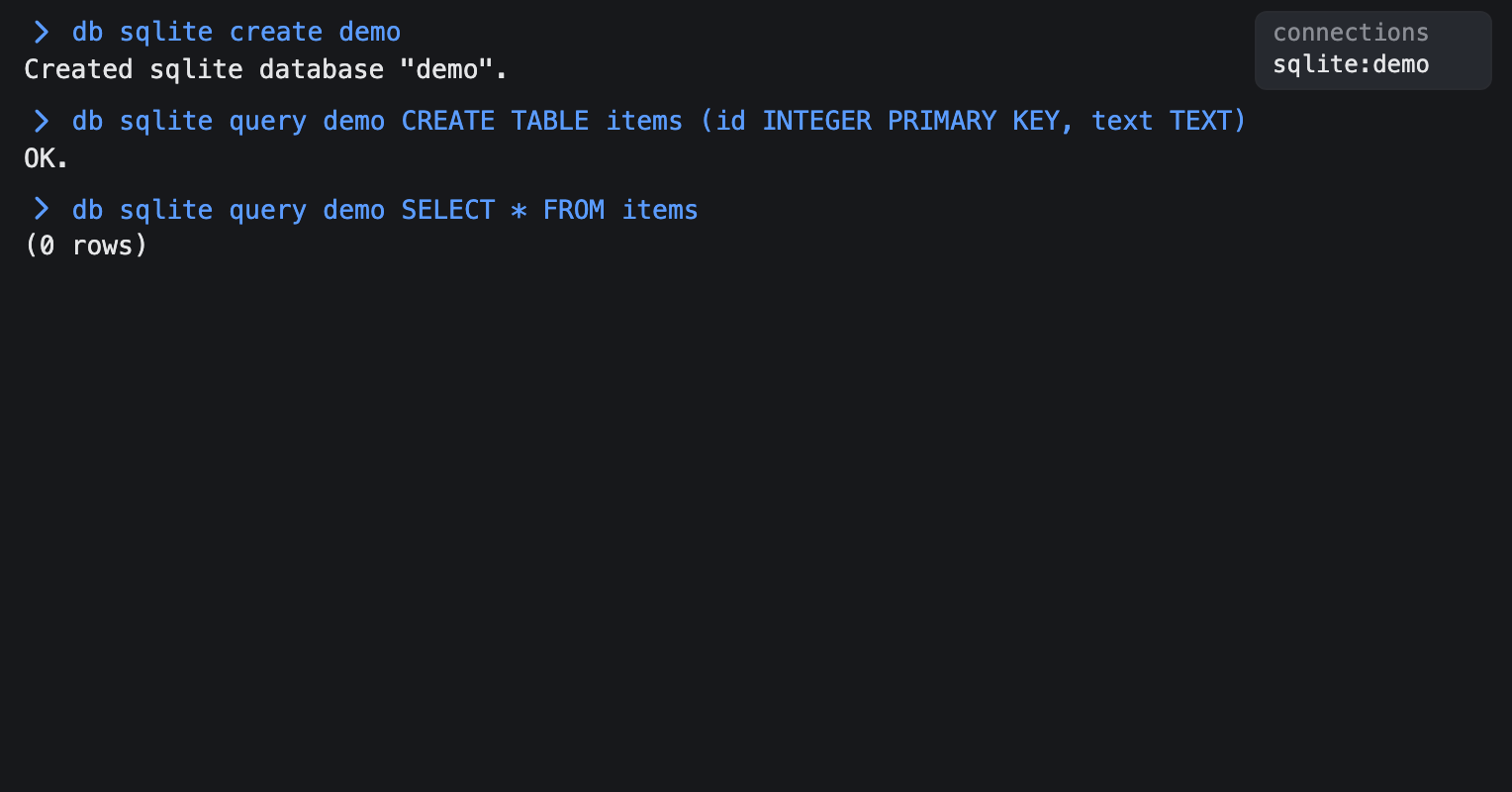
db sqlite create notes
db sqlite query notes CREATE TABLE items (id INTEGER PRIMARY KEY, text TEXT)
sqlite is the only supported engine (the first word after db); any other engine name is rejected.
You can type an unprefixed SQL statement when this tab has an open database. If exactly one database is open and the statement is recognized confidently, it runs there. With no database or several databases open, the route chooser lets you pick the destination. Prefix a statement with db to bypass recognition and choose the database explicitly.
Subcommands
| Subcommand | What it does |
|---|---|
db sqlite create <name> | Create an empty database (reports if it already exists) |
db sqlite delete <name> | Delete the database file (reports if it doesn't exist) |
db sqlite query <name> <sql> | Run SQL against the database |
db sqlite list | List existing database names |
A bare db prints a Usage: line.
Naming databases
A database name must match ^[A-Za-z0-9_-]+$ — letters, numbers, -, and _ only. This also blocks path traversal, since a name can never contain / or ... An invalid name reports Invalid database name "<name>". Use letters, numbers, "-" and "_" only.
Running queries

db sqlite query <name> <sql> runs the SQL verbatim on the database:
- Row-returning statements, meaning those starting with
SELECT,PRAGMA,WITH, orEXPLAIN(case-insensitive), print an aligned table: a header row, a dashed separator, one row per record, and a trailing(<n> row(s))count. No matching rows prints(0 rows). - Every other statement, like
CREATE TABLE,INSERT, orUPDATE, runs and reportsOK.on success. Multiple semicolon-separated statements are allowed. - A bad statement or a missing table reports
Query error: <message>without crashing the tab. - Querying or deleting a database that doesn't exist reports a friendly message instead of failing.
Connections are global and persistent
The first command that touches a database opens a connection that stays open, shared across every tab and not just the one that opened it, until you close it, delete the database, or quit the app. Because the connection is reused, connection-scoped state like open transactions and TEMP tables survives between commands. See Connections for listing and closing connections, including connection close sqlite:<name>.
Databases persist across sessions
Database files live in .janissary/db/sqlite/<name>.sqlite and are never cleared — not on a normal launch, not on --relaunch, not on quit. Unlike a tab's workspace or session state, a database you create sticks around until you db sqlite delete it.