Messaging

The msg and broadcast commands send a message from one agent tab to another, so agents can hand off information or trigger work without a person relaying it:
msg bilal info the deploy is done
broadcast all info standup in 5 minutes
Each recipient has its own FIFO queue, processed one message at a time, so messages from different senders never interleave mid-delivery.
Message kinds
msg <agent> <info|request|command> <text> accepts three kinds, each with different delivery behavior:
| Kind | What happens at the recipient |
|---|---|
info | Shown in the recipient's transcript and added to its context. Nothing runs. |
request | Runs <text> through the recipient's full command pipeline (same as if typed there), then sends the captured output back to the sender as a response. |
command | Runs <text> through the recipient's full command pipeline, same as request, but sends no response back. |
Each kind also accepts a short alias: i for info, r for request, c for command.
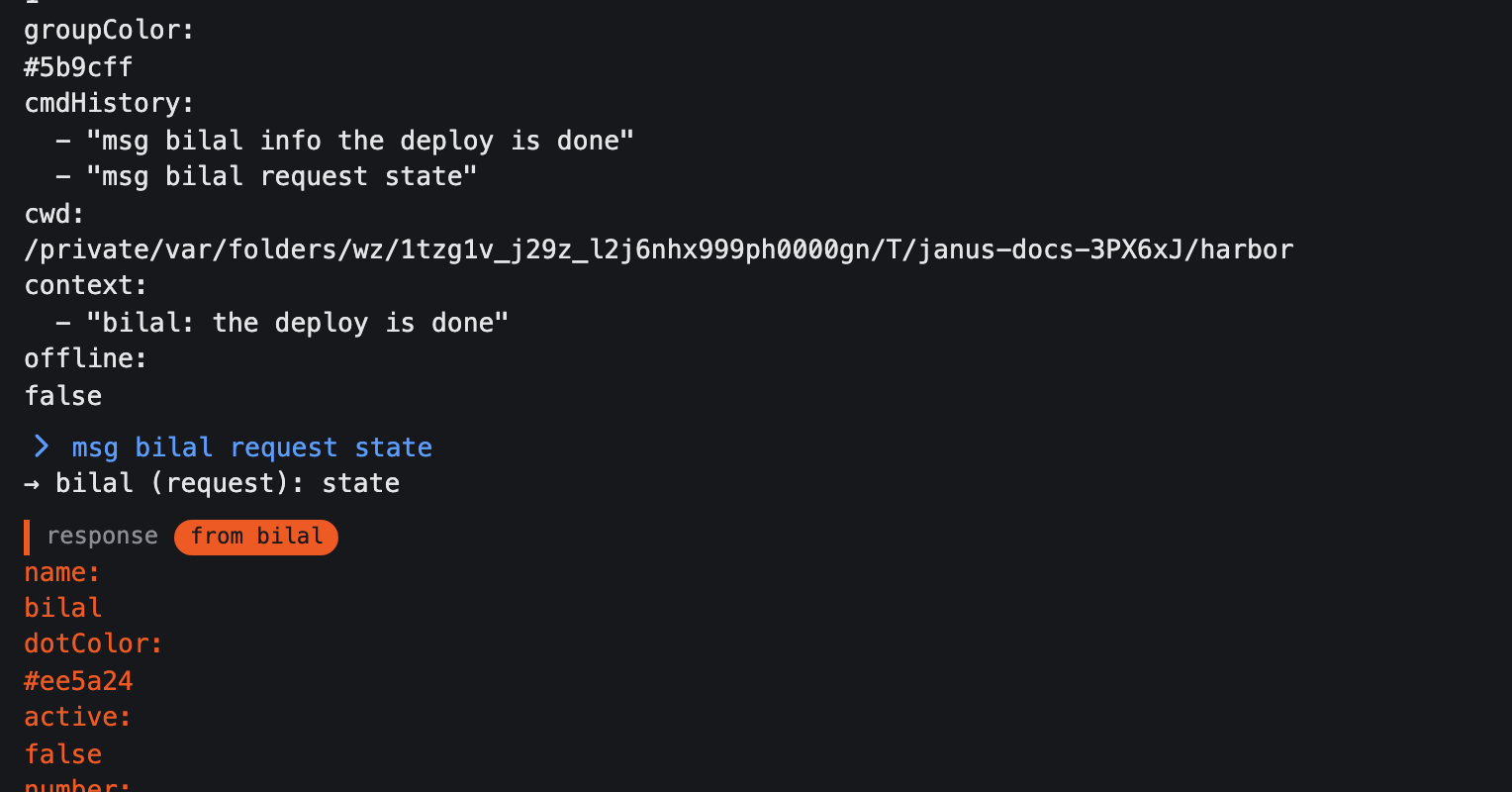
A request's response arrives in the sender's transcript as a response from <agent> block, and is added to the sender's context. On the sender's side, every sent message (of any kind) is recorded in the sender's own transcript as → <to> (<kind>): <text>, so you have a record of what you sent even though it happened in another tab.
Broadcasting to several agents at once

broadcast <all|agent[,agent...]> <info|request|command> <text> sends the same message to more than one agent:
all(or*) targets every other active agent tab.- A comma-separated list (
bilal,cavus) targets exactly those agents.
The sender is never included as a target, even if named explicitly. If any named recipient doesn't exist, the result reports it by name rather than silently dropping it.
Completing recipient names
Press Tab at the recipient position of msg or broadcast to complete an active agent's name; for broadcast, all is offered too, and each entry of a comma-separated list completes independently. See Tab completion for the full picture of what completes where.